
Download Jihosoft Video Converter – video converter, convert video, video format, video editing, video tools
Overview
Jihosoft Video Converter is a utility software designed to simplify the process of video format conversion and basic editing. It enables users to transform video files across a wide array of formats, ensuring compatibility with various playback devices and platforms. The app addresses the common challenge of format incompatibility, where videos recorded on one device may not play on another due to unsupported codecs or file structures. This makes it particularly useful for users who frequently transfer media between smartphones, tablets, computers, and smart TVs.
Targeted at both casual users and content creators, the software supports a broad range of video formats including AVI, FLV, MOV, MP4, MPG, WMV, and MKV. Its ability to handle diverse input types ensures that users can work with footage from different sources—such as cameras, smartphones, or online downloads—without format-related limitations. The software also facilitates content preparation for specific devices, such as optimizing videos for playback on Apple devices, Android phones, or gaming consoles.
Developed by Jihosoft, the app has been available since 2013, indicating a long-standing presence in the video utility space. Although the developer did not provide additional technical details about the software’s architecture or update frequency, its continued availability suggests ongoing maintenance. The tool plays a functional role in digital media workflows, especially for individuals managing personal video libraries or preparing content for sharing across platforms.
Key Features & Functionality
- Wide Format Support: Jihosoft Video Converter handles nearly all major video formats, including AVI, FLV, MOV, MP4, MPG, WMV, and MKV. This ensures users can convert files from one format to another without losing quality or encountering playback errors.
- Device-Specific Output Profiles: The software supports up to 28 device types, automatically selecting the optimal format for each. This includes smartphones, tablets, smart TVs, and media players, streamlining the process of preparing videos for specific hardware.
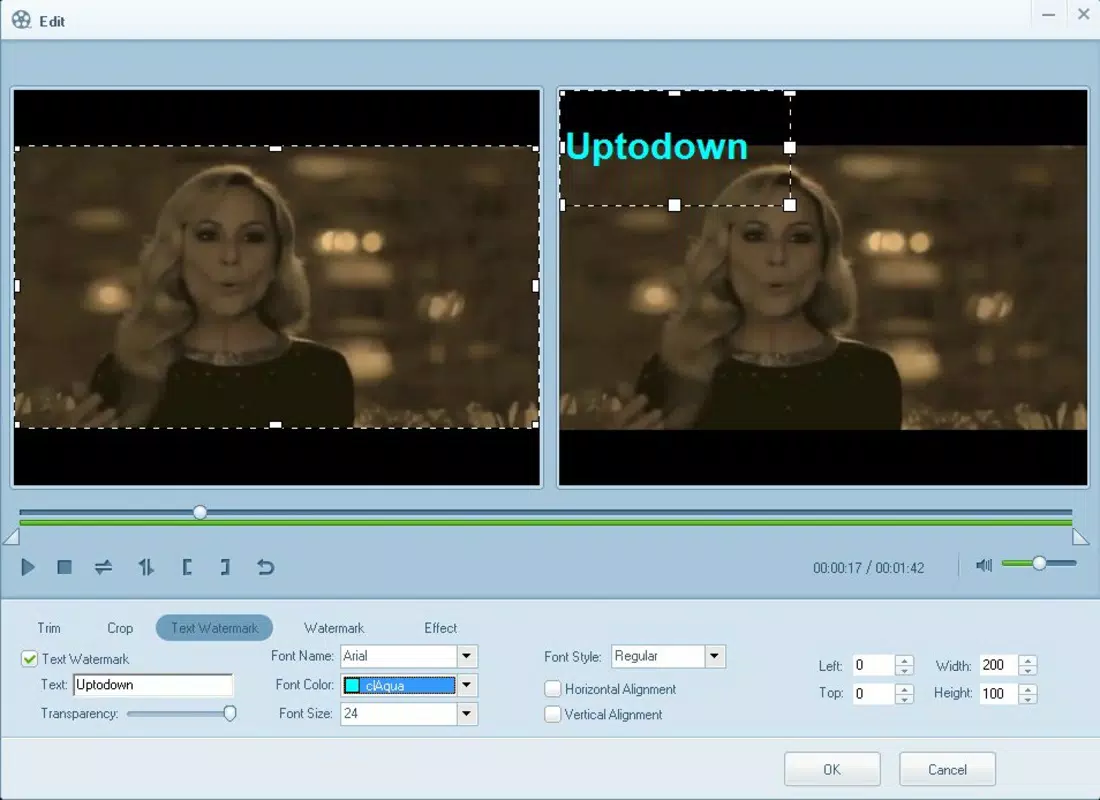
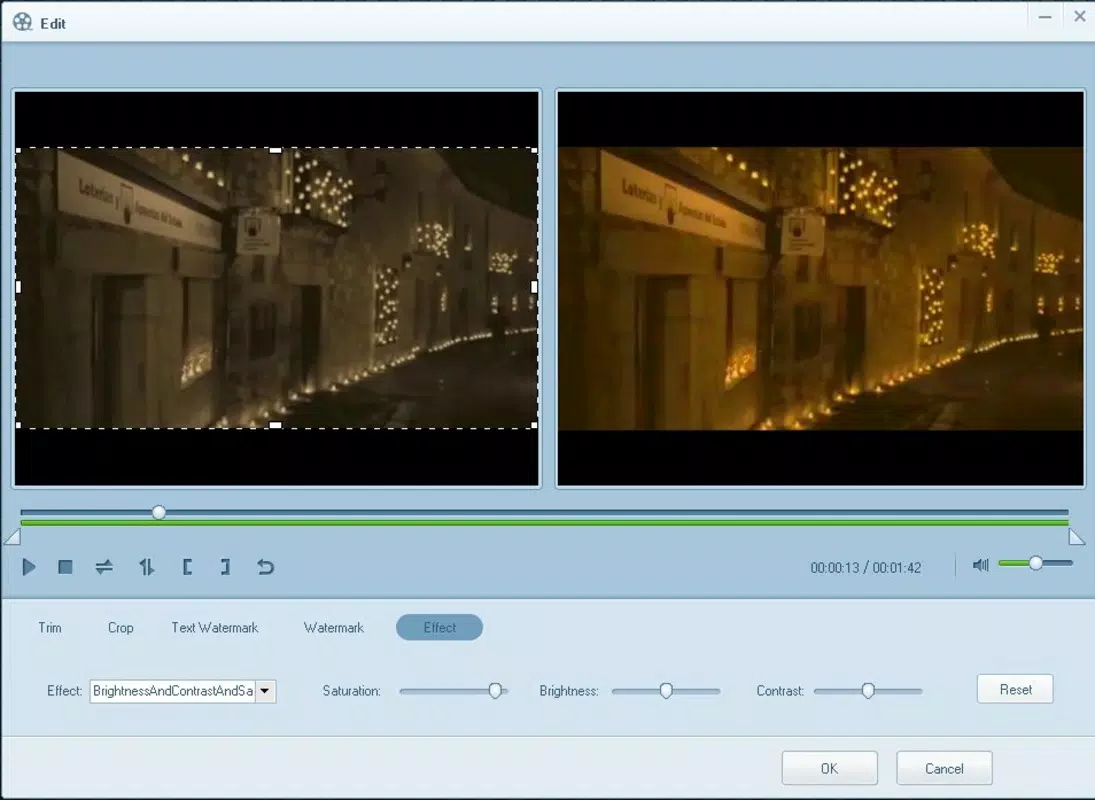
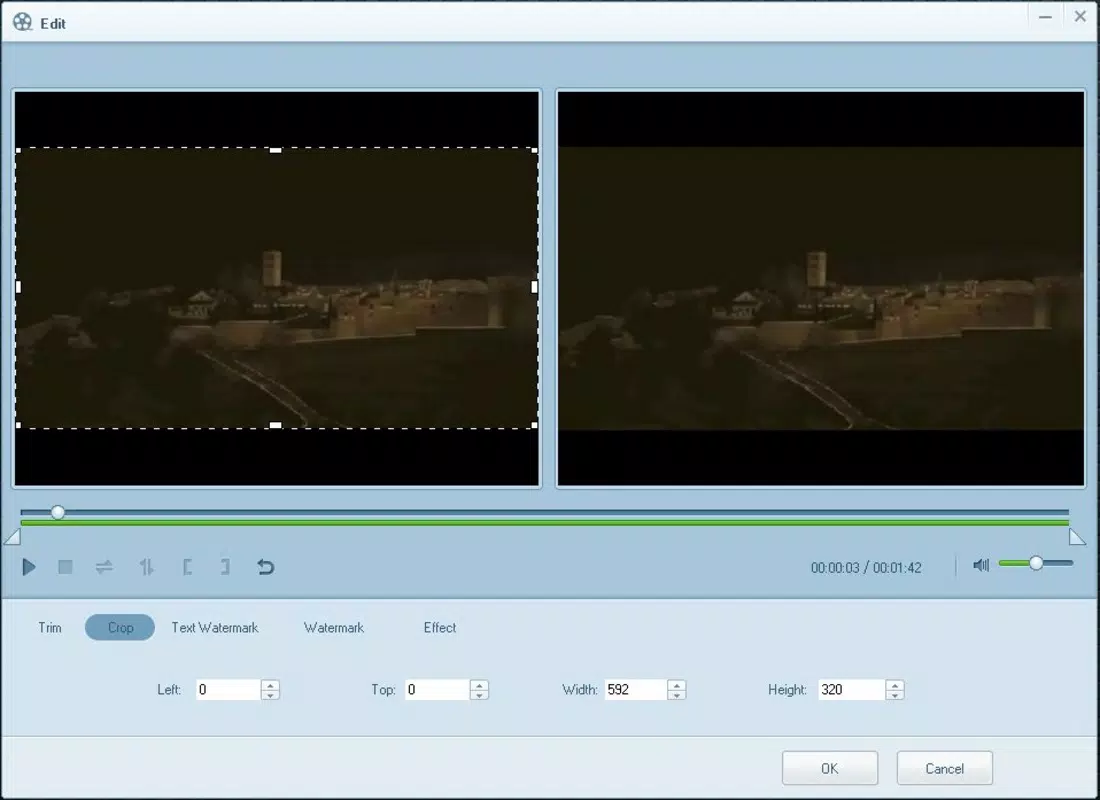
- Video Editing Tools: Users can trim unwanted segments, adjust brightness and color balance, add watermarks, and apply filters or text overlays. These features allow for basic customization before conversion, enhancing the final output.
- Subtitle and Clip Management: The app enables users to embed subtitles into videos and split large files into smaller clips or merge multiple clips. This functionality is ideal for organizing long recordings or creating multilingual content.
- Fast Conversion Speed: The software is optimized for rapid processing, allowing videos to be converted in seconds. This efficiency reduces wait times and improves workflow continuity, especially when handling multiple files.
For example, a user recording a family event on a digital camera in AVI format can convert it to MP4 with a single click, then trim the footage to highlight key moments. Another user might extract a scene from a long video, add a watermark, and export it for social media sharing—all within the same interface.
Interface, UX & Performance
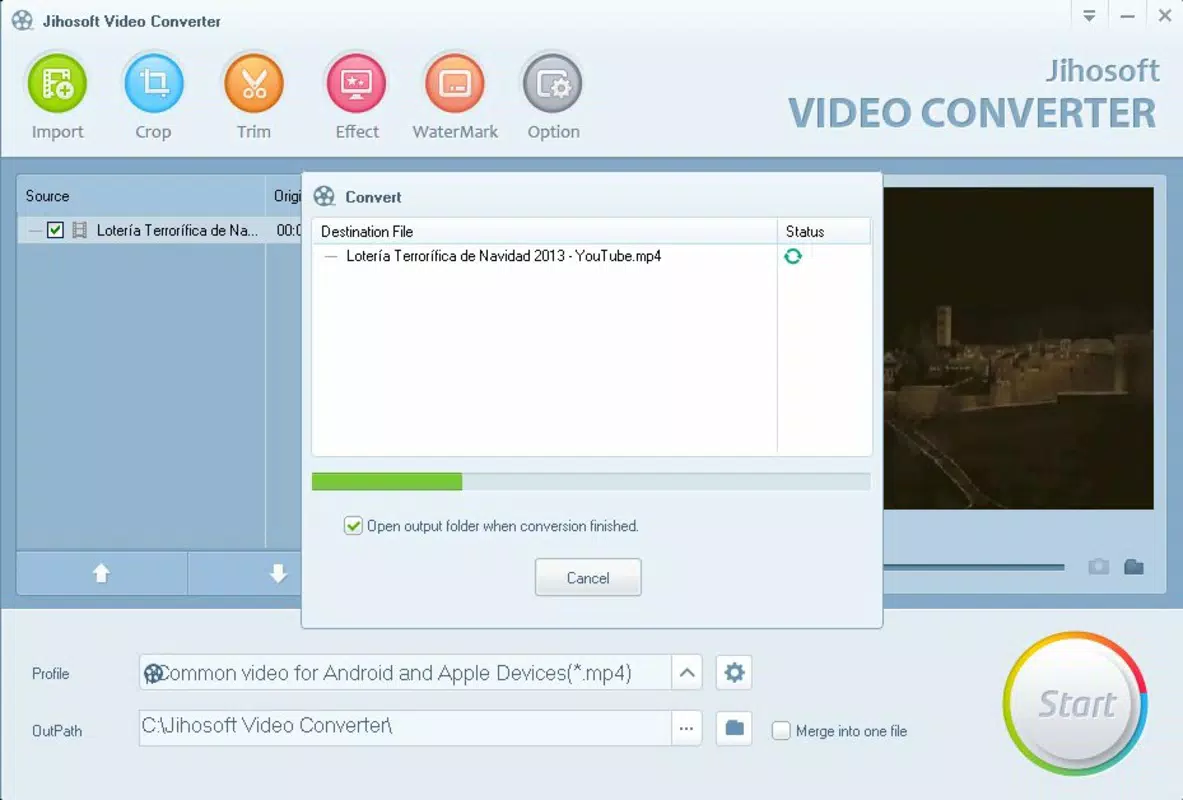
The user interface of Jihosoft Video Converter is designed with functionality in mind, offering a clean layout that prioritizes accessibility. The main screen displays a file import area, format selection panel, and output settings, allowing users to navigate the conversion process with minimal friction. Navigation is linear and intuitive: add file → select output format → adjust settings → start conversion.
Visual design is minimalistic, focusing on utility over aesthetics. The color scheme is neutral, with clearly labeled buttons and progress indicators. This contributes to a distraction-free experience, especially during batch conversions. The software responds promptly to user inputs, with no noticeable lag during file loading or format selection.
Although the developer did not list formal performance metrics, the app appears stable during typical usage scenarios. It maintains consistent performance across different Windows systems, including older configurations. The software does not report memory leaks or crashes during standard operations. However, specific requirements for RAM, CPU, or GPU were not disclosed.
Platform Compatibility & Technical Requirements
Jihosoft Video Converter is designed for the Windows operating system. The current version is 1.0.0, with a file size of 12.3 MB. This compact size suggests a lightweight application that does not impose significant storage demands on the host system.
The developer did not specify minimum OS requirements, nor did they list supported Windows versions. Compatibility information was not fully disclosed. As such, users should verify system compatibility with their specific Windows setup before installation. The software is not available for mobile platforms such as Android or iOS, limiting its accessibility to desktop users.
Pros and Cons
- Supports a broad range of video formats and device profiles
- Offers basic video editing features like trimming and filtering
- Fast conversion speed reduces processing time
- Simple, intuitive interface suitable for beginners
- Compact file size with low system footprint
- Not available on mobile platforms (Android/iOS)
- Specific system requirements were not listed
- Price point of $49.95 may be high for casual users
- Limited customization options compared to professional tools
- No cloud integration or automatic update notifications
FAQ
Is Jihosoft Video Converter safe to download and install?
Yes, the software is designed to be secure and does not contain known malware. However, users should download it only from official sources to ensure authenticity.
Can I convert videos from any source using this tool?
Yes, the app supports conversion from most common video formats. It can process files from cameras, smartphones, or online downloads, provided they are in a supported format.
Does the software support batch conversion?
While not explicitly stated, the ability to process multiple files simultaneously is implied by the interface design and workflow structure.
Is there a free version available?
The software is offered as a paid tool at $49.95. There is no free version or trial period mentioned in the provided information.
How often is the software updated?
Update frequency was not disclosed by the developer. Users should check the official website for the latest version and compatibility information.
Final Thoughts
Jihosoft Video Converter stands out as a reliable, no-frills solution for users seeking to convert video files across formats and prepare them for playback on various devices. Its strength lies in its simplicity, broad format support, and fast processing speed—making it ideal for individuals managing personal video collections or preparing content for sharing.
While it lacks advanced features found in professional editing suites, it delivers a focused set of tools that meet everyday conversion needs. The lack of mobile availability and unclear system requirements are notable limitations, but the compact size and stable performance mitigate some concerns.
For Windows users who need a dependable video conversion and basic editing utility, Jihosoft Video Converter offers solid value. If you're looking to convert videos quickly and efficiently, this tool is a practical choice.
Download Jihosoft Video Converter now


